Design
Seeing First
Design foundations in Figma, Photoshop and Illustrator

Instructor
Usama Zahid
Program overview
Learn to read a layout the way a client's eye reads it before you touch a tool. Visual hierarchy, grids, typography and colour first, then three industry tools: Figma for layout, Photoshop for images, Illustrator for vector work. Every week ends with something you designed and defended.
Tuition
Rs30,0003 monthly payments of Rs 40,000
What's included
- ✓36 hours of live instruction
- ✓Weekly design critique sessions
- ✓3 portfolio projects with written feedback
- ✓Figma starter files, grid templates and Photoshop/Illustrator practice files
- ✓Community access
Next cohort
2026-11-02
Everything in your enrollment
- ✓36 hours of live instruction
- ✓Weekly design critique sessions
- ✓3 portfolio projects with written feedback
- ✓Figma starter files, grid templates and Photoshop/Illustrator practice files
- ✓Community access
What you'll study
12 weeks · Basic · 36+ hours of mentor-led content
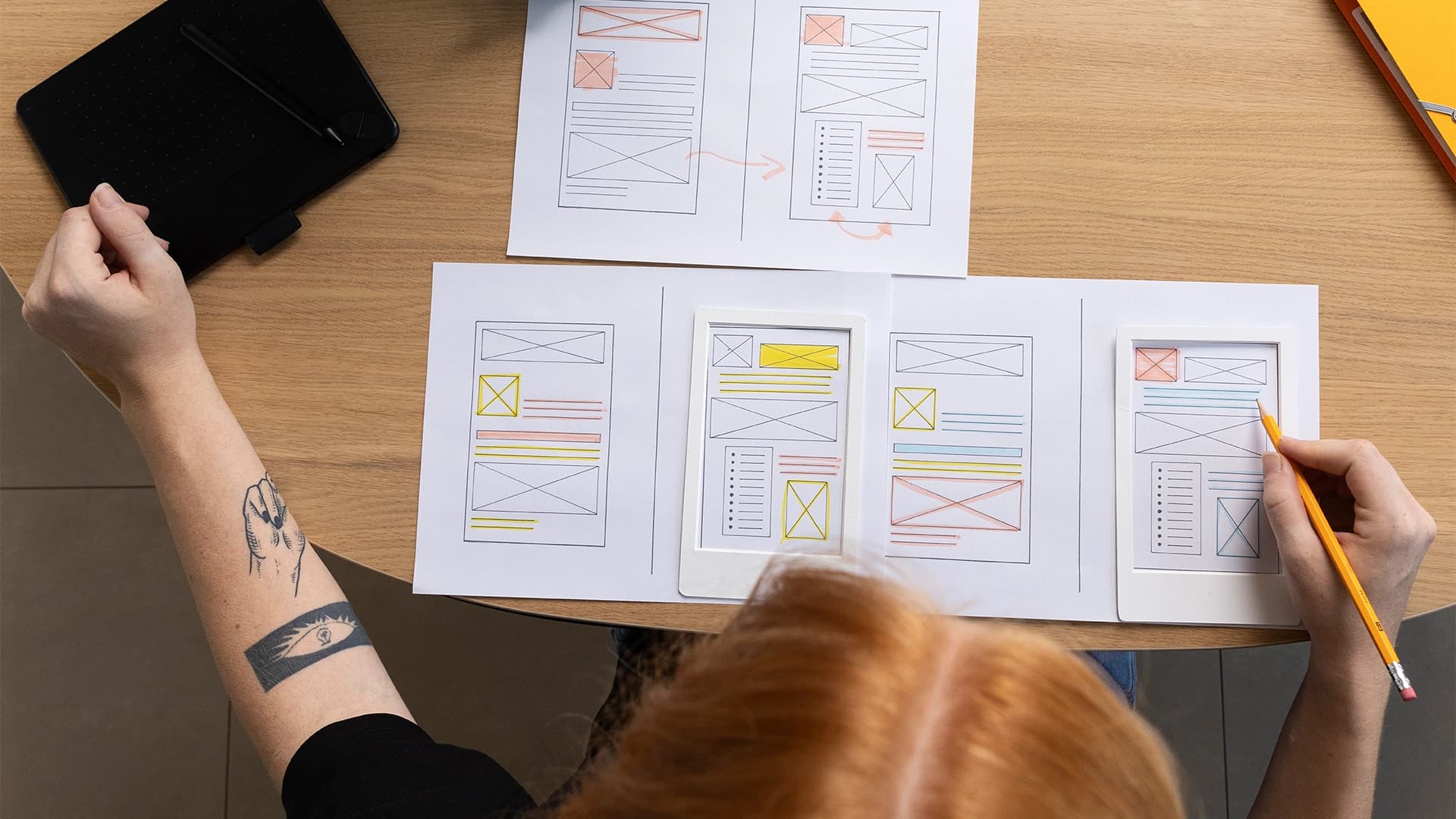
Visual hierarchy, contrast, balance, alignment, proximity, focal points and Gestalt principles. Figma interface, frames, shapes, text, layers and shortcuts. Deliverable: Annotate 10 real screens, marking where the eye lands first and why, then recreate one in Figma.
What you'll learn
Concrete skills — not vague promises.
- ✓Redesign three real-world screens and defend every change in a written before/after
- ✓Build a layout on a 12-column grid in Figma using auto layout, components and shared styles
- ✓Set a type scale and pair two typefaces with clear reasoning for the choice
- ✓Build a colour palette and check text contrast against the WCAG AA 4.5:1 ratio
- ✓Cut out, mask, retouch and colour-correct images in Photoshop and export them for web and print
- ✓Draw clean vector icons and shapes in Illustrator with the pen tool and move them into Figma
- ✓Present a design to a client and explain why it works in plain language
Your instructor
Pakalign StudioFounder of IOP digital & IOP academy
Usama Zahid
Brand & Product Designer
Usama is a brand and product designer with 6 years in the industry, 150+ projects and 60+ clients. He studied Physics before design, and it shaped his approach: he looks for the invisible force behind a visible result. His branding starts with positioning, deciding what a stranger must believe in the first four seconds before any logo is drawn. His product design starts with effort, removing the steps that add doubt and keeping the ones that build trust. He teaches the same way he works. See first, then learn the tools.
View full profile →Student outcomes
From students who completed this program.
“The design program completely transformed my approach to product design. I went from creating visuals to crafting experiences. The portfolio I built at IOP got me interviews at every company I applied to.
Pricing & details
Tuition
Rs30,0003 monthly payments of Rs 40,000
2026-11-02
Prerequisites
None. A laptop, internet connection, a free Figma account and Adobe Photoshop and Illustrator (free trial is enough to start).
Refund policy
14-day full refund.
Common questions
Specific to this program.
No. The course starts from zero and the first two weeks focus on seeing, not software.
Figma (free), Adobe Photoshop and Adobe Illustrator. Adobe offers a free trial, and setup help is provided in week one.
Plan for 8 to 10 hours: two live sessions and project work.
Related programs
Four Seconds
A stranger decides in seconds whether your product feels credible. Learn user flows, wireframes, interface psychology and usability testing so your product earns that decision.
16 weeks · Intermediate
Rs 45,000

Prompt to Pixel
Learn to use AI across the full design workflow: research, strategy, visual direction, interface design and prototyping. You write the prompts, you make the decisions, and you learn to spot where AI output is wrong before a client does.
12 weeks · Intermediate
Rs 30,000

Brand-to-URL
Take a brand from identity to a live production website. Art direction in Figma, a working prototype in Figma Make, and a coded build in Cursor AI, owned by one person end to end.
20 weeks · Intermediate
Rs 60,000
Tuition
Rs30,0003 monthly payments of Rs 40,000
What's included
- ✓36 hours of live instruction
- ✓Weekly design critique sessions
- ✓3 portfolio projects with written feedback
- ✓Figma starter files, grid templates and Photoshop/Illustrator practice files
- ✓Community access
Next cohort
2026-11-02
Enroll in Seeing First
Join the next cohort and build with mentor support from day one.